
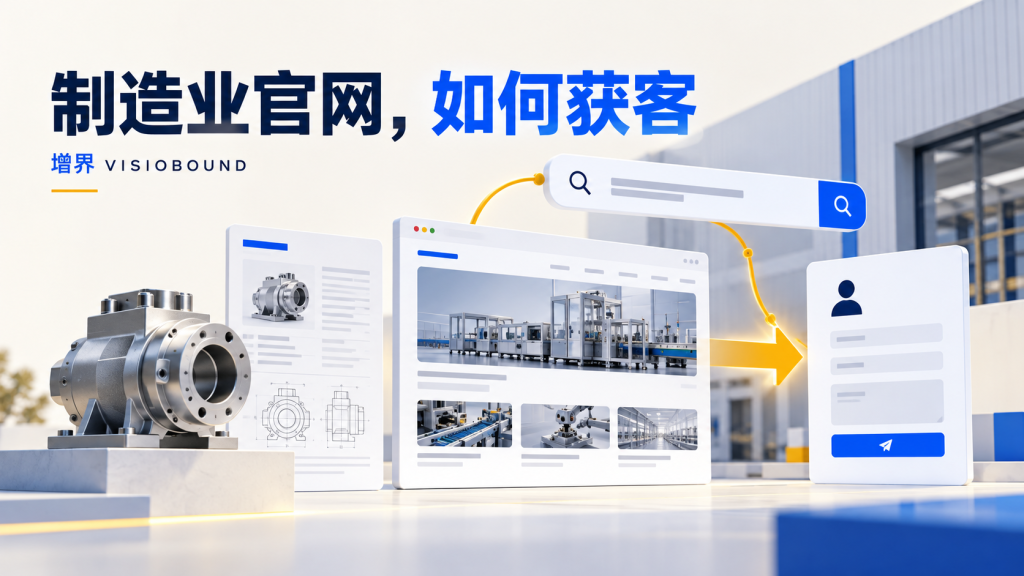
A manufacturing website needs more than factory imagery. Buyers assess specifications, operating conditions, evidence, delivery and the RFQ process. Connect product and application information to support a useful inquiry.
1. Organize around procurement tasks
Use recurring sales questions to map supplier discovery, application fit, specification comparison, capability review and RFQ. Assign roles to product, application, technical, quality and contact pages instead of starting from a generic menu template.
When a product supports several contexts, application pages can explain selection conditions and link to relevant models. Where compatibility is uncertain, require confirmation rather than promising it to capture more keywords.
2. Make product information comparable
Use actual documentation for models, materials, dimensions, conditions, limitations and downloads. Explain units and keep the page consistent with technical files. Avoid putting essential information only inside images.
Verify the entity, products and scope covered by certificates or testing claims. Do not imply that one document covers every model or market, and do not display unconfirmed qualifications.
3. Explain application choices
Address the operating factors that actually matter: environment, media, accuracy, interfaces, maintenance or other requirements. Do not swap industry names into identical paragraphs. Distinguish explanatory illustrations from actual project evidence.
When final selection requires consultation, state the inputs needed for an RFQ. Give buyers enough explanation to prepare a useful conversation instead of replacing all technical information with a contact instruction.
4. Make RFQs contextual and manageable
Place a clear RFQ action near relevant product or application information. Explain the model, use and contact details that help start a conversation. Collect complex specifications, drawings and delivery requirements later when appropriate.
Explain the purpose and handling of sensitive uploads before requesting them. Check mobile fields, errors and delivery. Offer usable phone or email alternatives instead of making a complex form the only contact route.
5. Maintain content with inquiry feedback
Review demand by product, application, market and channel. Record missing specifications and fit problems. Answer recurring questions on the site and feed misunderstandings into keyword and ad-copy reviews.
Downloads do not automatically represent opportunities. Separate educational demand from procurement inquiries. Maintain model and document versions, preserving stable URLs or planning necessary redirects when pages change.
Frequently asked questions
Does every model need a long article?
Group where appropriate and avoid near-duplicate pages that differ only by model name.
Must all technical files be public?
Choose based on purpose, rights and sensitivity while keeping enough public information for informed discussion.
Continue reading
Building a sustainable acquisition system?
Visiobound helps B2B teams connect SEO, GEO, paid media, and website conversion into a followable inquiry path.
Contact sales